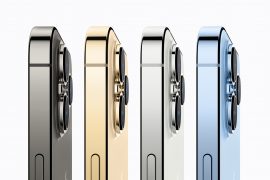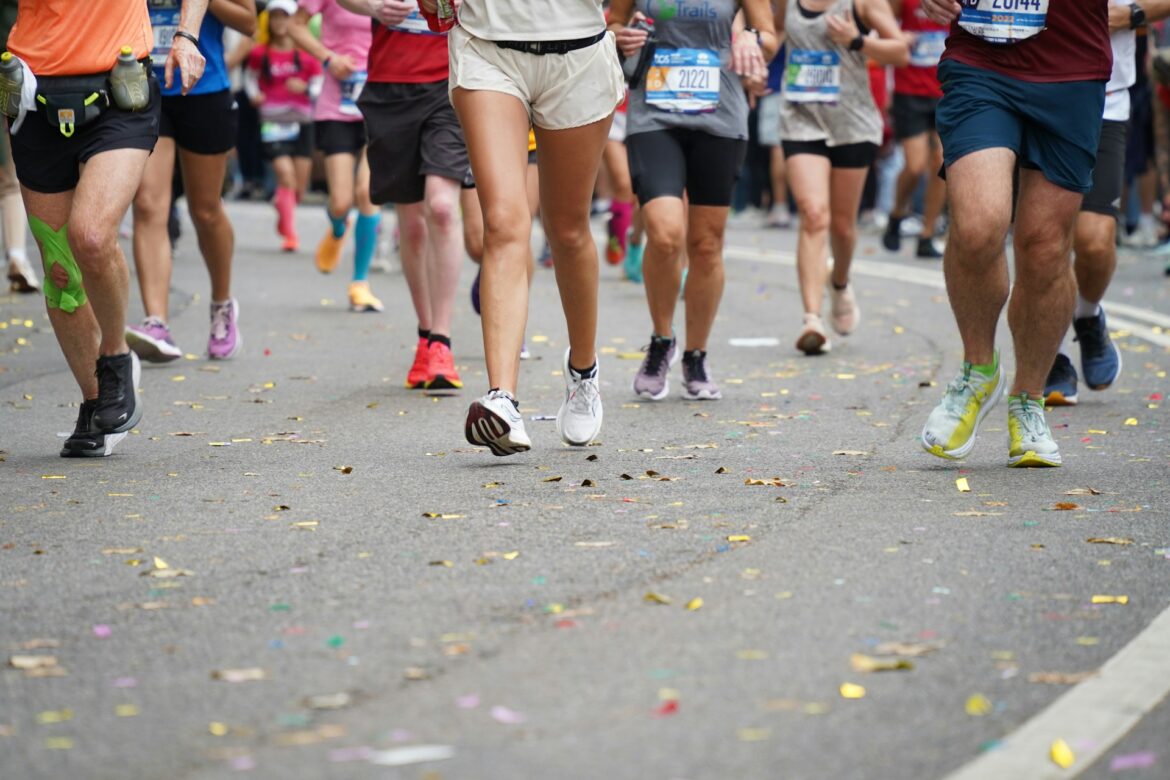
The London Marathon is just around the corner, and we’ve discovered a way to capture its energy and excitement – all from the palm of your hand with an iPhone.
Picture this: runners mid-stride against iconic London landmarks like Big Ben, transformed into surreal, dynamic visuals that push the boundaries of motion and creativity.
With Adobe Photoshop on iPhone, you can take your creativity to the next level. Here are some go-to tricks to transform your edits and turn race-day moments into stunning, shareable works of art. Perfect for social media or timeless keepsakes, all with just a few taps:
-
Generative Fill and Expand (AI-Powered): Precisely add, remove, or extend content in your images while keeping every edit non-destructive.
-
Smart Object Removal: Remove distractions effortlessly with the Remove Tool for larger areas, Spot Heal for smaller imperfections, and Clone Stamp for flawless duplicates or seamless blending.
-
Advanced Masking and Blending: Fine-tune edits with precision by creating masks to target specific areas and use blending modes to combine layers effortlessly for stunning effects.
Even if you’re not running the London Marathon, you can still celebrate and show your support in style using Adobe Express on your iPhone. Here’s how you can jump in and create something extraordinary:
-
Make Templates Your Own: Choose from a variety of free and premium templates for social posts, videos, and flyers. Add your own text, images, and brand colours to create polished, one-of-a-kind designs that stand out.
-
Design Bold Visuals: Showcase the marathon’s route, charity partners, or key events by creating eye-catching posters, flyers, and social media posts. Start with professional templates or design something entirely unique with text, images, and graphics that reflect your vision.
-
Bring Energy to Your Content: Use simple editing tools to adjust colours, crop, apply effects, or add transitions to your photos and videos that capture the vibrant spirit of the marathon.