
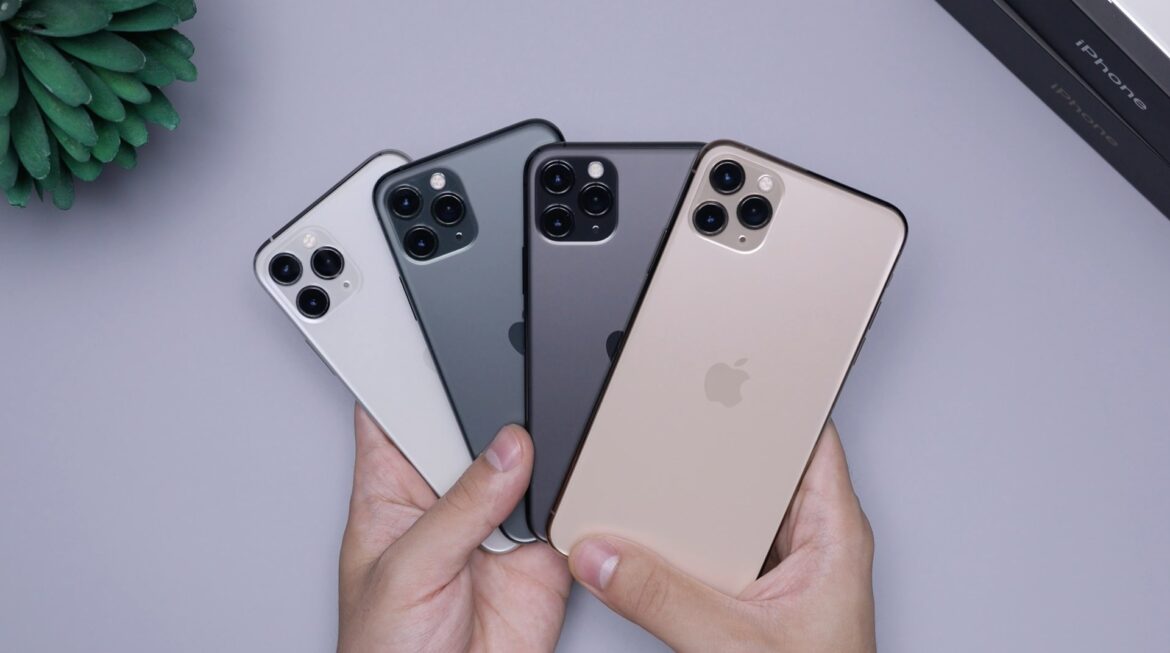
Still getting to grips with your new phone? With so many features and options available, you might feel like you’ve been handed a spaceship rather than a simple device. But with a little patience and some guidance, you’ll quickly find your way around. Here’s how you can ease into your new phone, step by step.
Exploring your phone’s key features and settings
When you first turn on your phone, you’ll likely be greeted by a series of prompts. It’s tempting to skip through them, but take a moment to explore the settings menu. Customising notifications, display preferences and security options should help to make your phone feel more like your own.
The home screen might be packed with apps you don’t need right away. You can declutter by moving them around or creating folders. Don’t forget to personalise your wallpaper and lock screen – these small touches make a big difference.
If you find yourself needing a break from the setup process, play some bingo for a bit of fun. This can give you a moment to pause before diving back into the next stage of setup.
Transferring your data safely and securely
Transferring contacts, messages, data and photos from your old phone can feel like a hassle, but it doesn’t have to be. Most modern smartphones have built-in tools that make it a lot easier. Check if both devices are on the same Wi-Fi network or, if necessary, use cloud services like Google Drive or iCloud to back up and restore your data.
For apps, many come with an automatic cloud sync option, saving you from re-downloading everything. Just ensure your privacy settings are updated during this process to protect sensitive information, especially when switching between platforms (like Android to iPhone or vice versa).
Understanding everyday functions you’ll use most
Once your essentials are set up, it’s time to familiarise yourself with the basics. You’ll use your phone for calls, texts, photos and browsing the web more than anything else, so learning these functions is key. Make sure you understand how to adjust your Wi-Fi and Bluetooth settings. These are crucial for staying connected on-the-go.
The camera is another area worth exploring. Try taking some pictures and experimenting with settings to see how they affect the final shot. If you’re keen to show off your new phone to friends and family, you’ll feel much more confident once you know where all the key buttons are.
Managing apps, privacy controls and updates
As you start downloading your favourite apps, it’s important to keep track of permissions. Some apps will ask for access to your photos, microphone or contacts – think about whether they really need that access. For security, go into your privacy settings and adjust what data each app can access.
Updating your apps regularly ensures you’re not missing out on bug fixes or new features. You can turn on automatic updates so you don’t have to think about it, or you can manually check for updates each week to keep everything fresh.
Building confidence with your new device
Don’t rush. Take your time exploring and practising with your phone. Take a few minutes each day to play around with features and settings you’re not familiar with. If you get stuck, most smartphones have built-in tutorials and help guides to walk you through processes. But there’s always YouTube for anything else you can’t work out.
Building confidence takes time, but soon enough, you’ll feel like you’ve been using your phone for years. The more you experiment, the easier it becomes. Good luck!


